Collect, Track, and Reconcile Dues & Rent Effortlessly
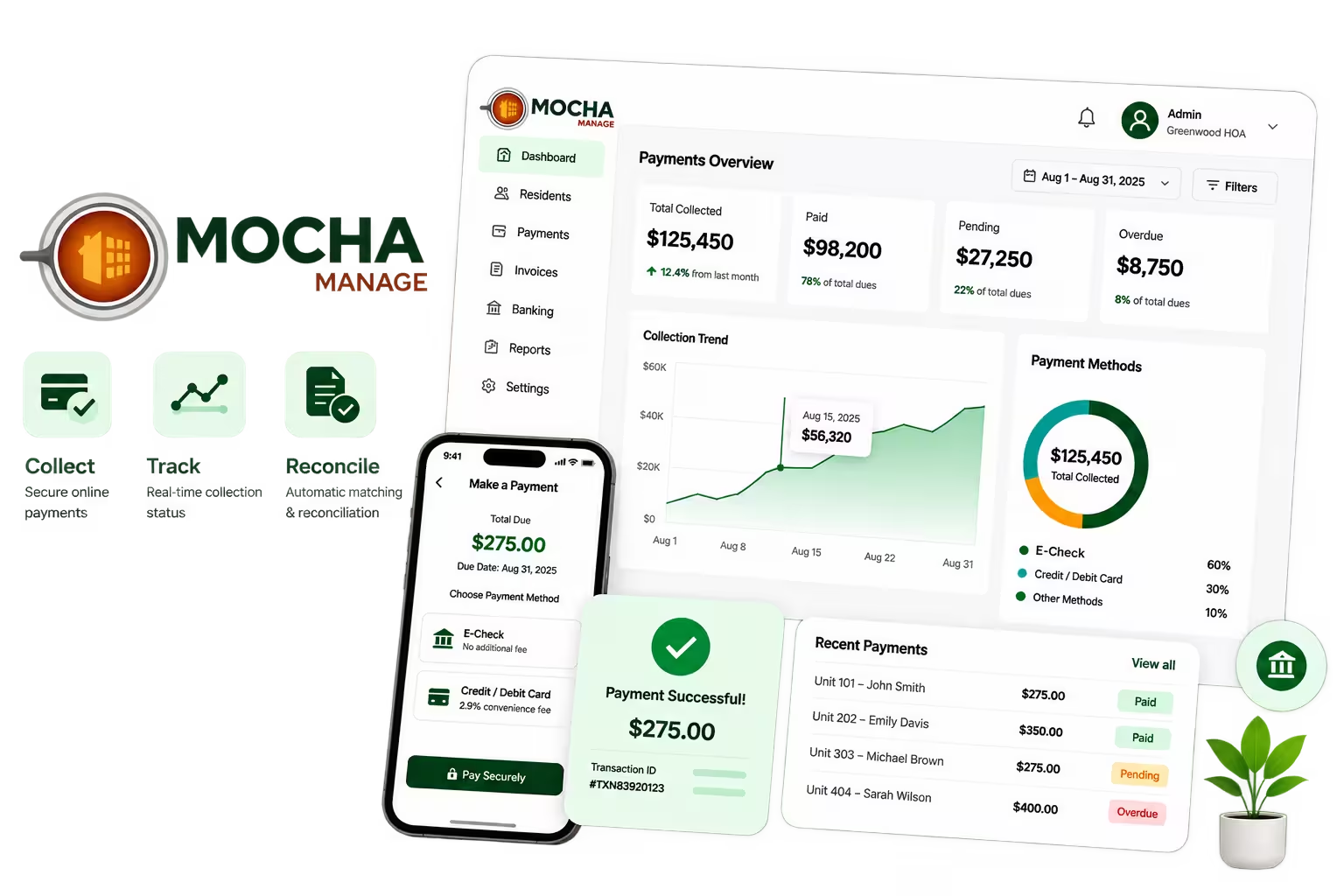
Chasing dues shouldn't slow your association down. With Mocha Manage's built-in online payments, owners and tenants pay by ACH bank transfer, credit card or debit card — and every payment is matched to their invoice automatically. From collection and reconciliation to receipts and refunds, manage the whole cycle in one place.

Shortlist 2024

Front Runners 2024

Category Leaders 2022

Leader Spring 2024

Users Love Us

We meet the highest security standards
Online payment collection lets homeowners associations, community managers and property managers accept dues, assessments and rent digitally. With Mocha Manage, owners and tenants pay directly from their invoices using ACH bank transfer or credit/debit cards, and each payment is matched to the owner's ledger automatically — so your board collects faster, reconciles less and keeps the association's books updated in real time, all from a single cloud-based platform.
Effortless Dues Collection for Faster Cash Flow
Get paid faster and keep owners happy.
Send Invoice with Payment Link
Accept ACH, Cards & Autopay
Good Morning!
Tina Smith
Dues Payments
Collected
$8,400
Pending
$1,200
Overdue
$400
DUE-0064 · Unit 604
Feb 2026 dues
$245.00
Track Collection Status
Auto-Reconcile Payments
From Invoice to Reconciliation — Every Step Covered
Collect at the Invoice Level
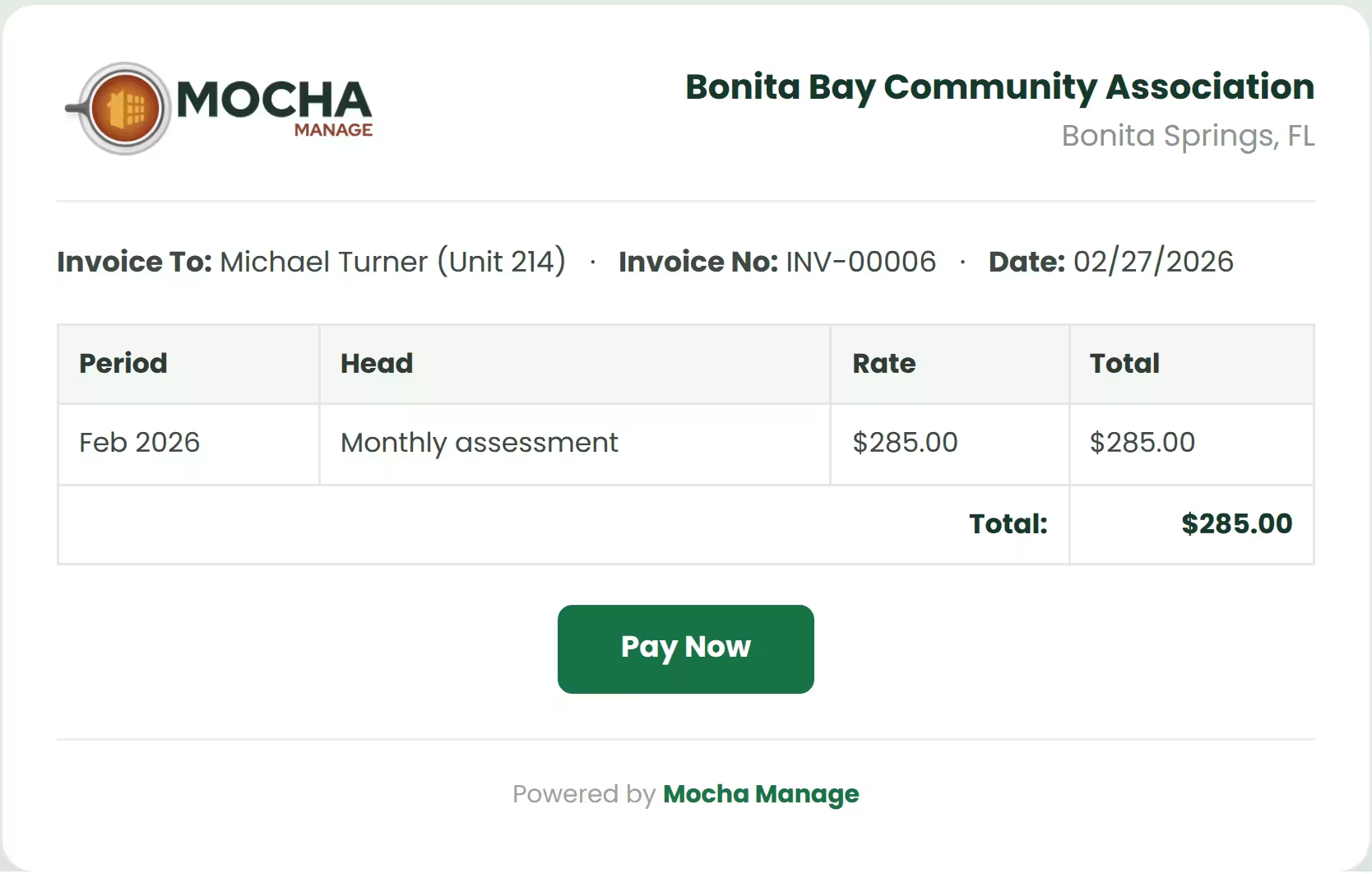
Collection works best when the invoice itself becomes the payment entry point. With Mocha Manage, every dues or rent invoice can carry a Pay Now link tied to that specific owner or tenant and period. Owners and tenants pay directly, which shortens the time between invoice issuance and receipt and cuts manual follow-up from the start.
Track Payments Automatically
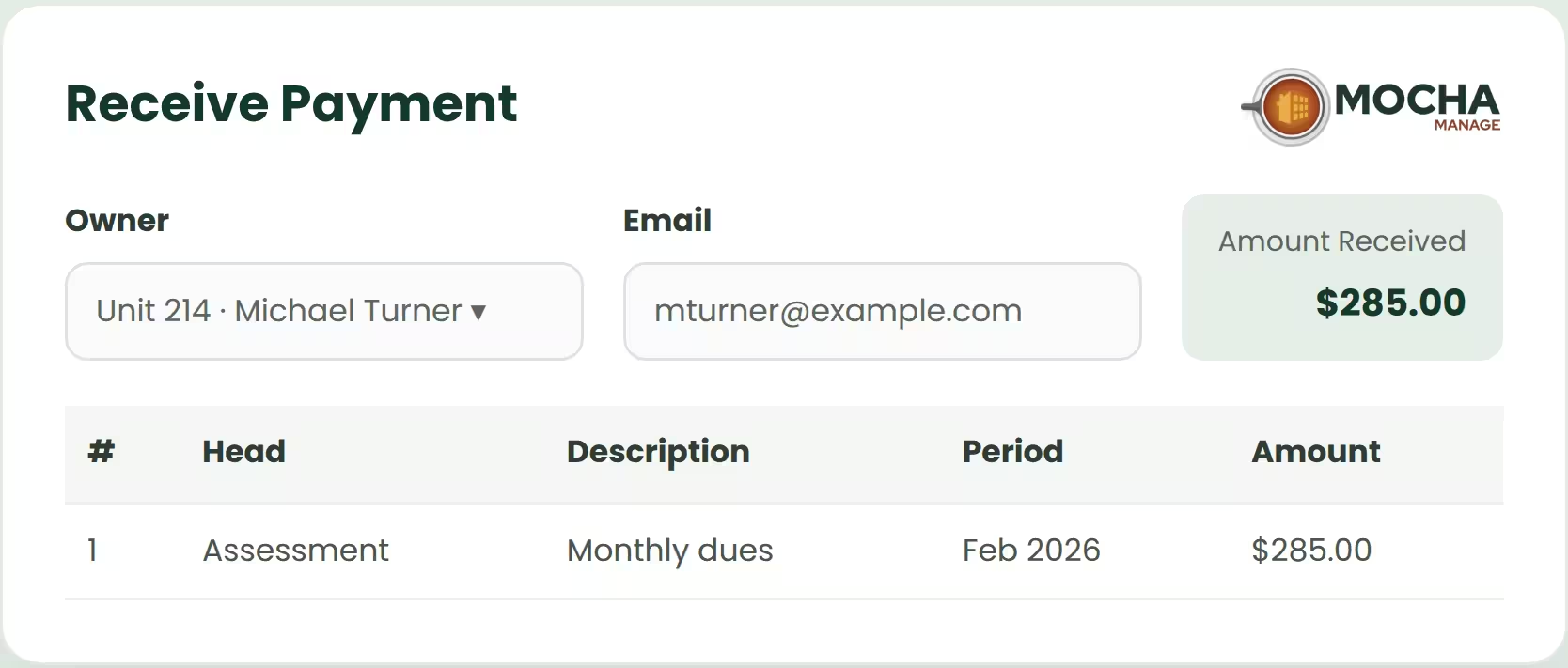
Mocha Manage automatically records payments against owner and tenant invoices, so your board or property manager never re-enters data once a payment comes in. Ledgers and association books stay updated on their own, saving time across billing and accounting and removing double entry.
View Collection Status in Real Time
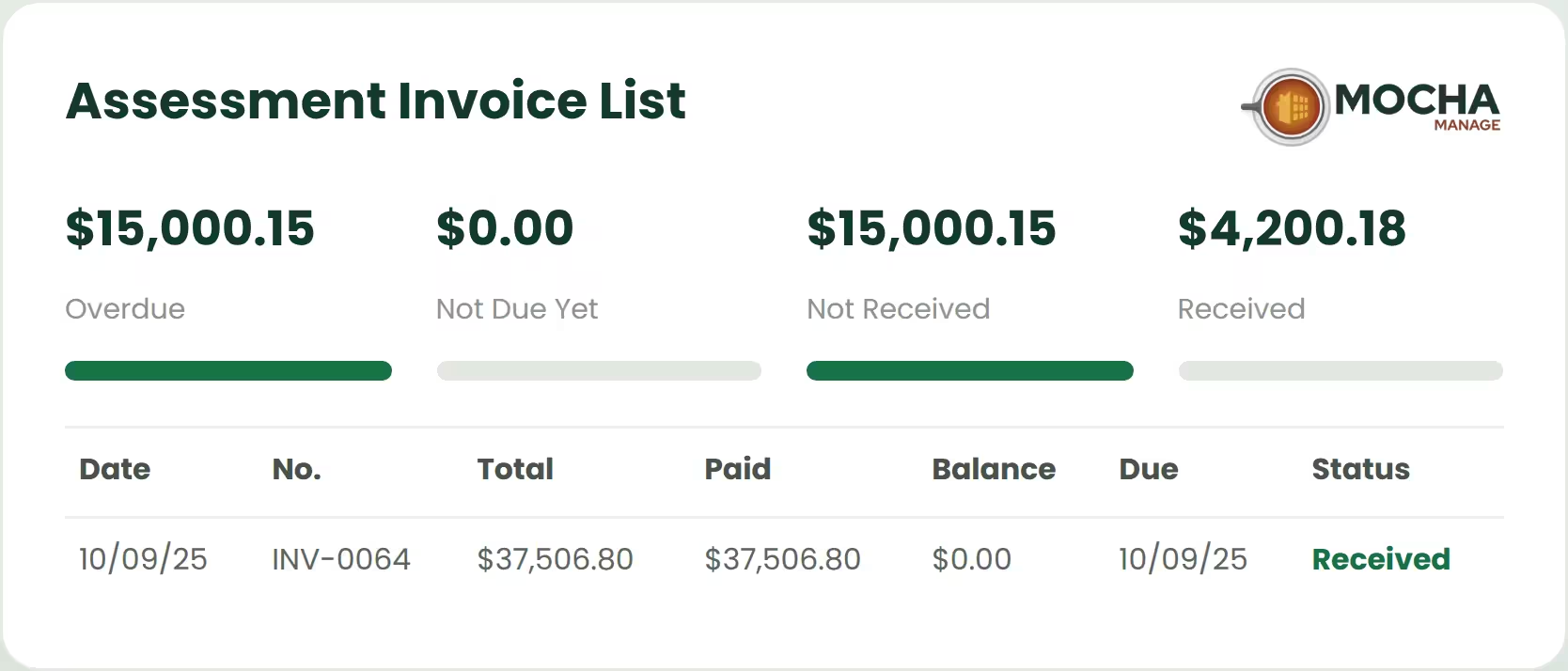
A live status view changes how boards and property managers work. Instead of waiting for month-end checks, they see what happened the moment an owner pays. Invoice status — paid, partially paid or pending — helps your board and property manager follow up on the right invoices and stop chasing owners who have already settled.
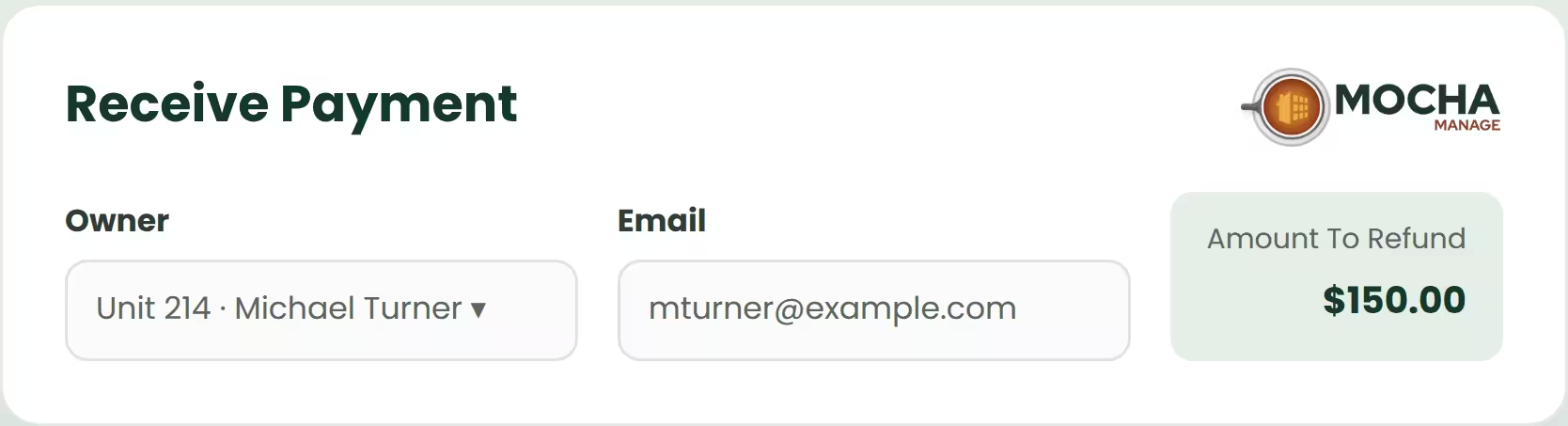
Process Refunds with Ease
Refunds are part of normal association operations, from excess collections to duplicate payments. Mocha Manage handles full or partial refunds within the same environment, keeping owner records, payment records, and invoice history in step without manual adjustments outside the system.
Powerful Built-In Integrations
Keep everything in sync, from filings to screenings, and manage everything in one place.

IRS
Simplified 1099 Filing

TransUnion
Smart Tenant Screening

Sure App
Renter's Insurance. Seamlessly Integrated.

CSG Forte
Secure Online Payments

Cashfree Payments
Seamless Online Payments

Mocha Signature
Optimize digital signing anytime.
IRS
Simplified 1099 Filing
TransUnion
Smart Tenant Screening
Sure App
Renter's Insurance. Seamlessly Integrated.
CSG Forte
Secure Online Payments
Cashfree Payments
Seamless Online Payments
Mocha Signature
Optimize digital signing anytime.
Get Started with Online Payments in Minutes
Getting started is simple and needs no technical expertise. Here's how to onboard and activate online payments for your association or property.
Step 1: Open payment setup in Mocha
Go to Settings » Integration » Setup in your Mocha Manage account, then click Setup on the CSG Forte card to begin merchant onboarding.
Step 2: Accept terms & start onboarding
Tick the checkbox to agree to the terms and authorise the connection. Click Next to move to the account details stage.
Step 3: Add authorized signer details
Enter the authorized signer details for the merchant account: Name, Email, Phone Number, SSN or EIN, and Website URL.
Step 4: Enter association details
Fill in association or company information: Legal Name, Entity Type, Category, Sub Category, EIN, Registration Number, and Registered Address.
Step 5: Add settlement bank details
Enter the association's bank account for settlements: Bank Account Name, Account Number, Account Type, and Routing Number.
Step 6: Upload required documents
Pick the document type from the dropdown and upload the required files for verification, then click Submit to complete the application.
Step 7: Wait for review & approval
CSG Forte reviews the merchant application and verifies the details. Approval usually takes 48 to 72 hours.
Step 8: Start accepting payments
Once approved, your merchant status changes to Active and you can collect dues and rent online directly through your invoices.
Why Choose Mocha Manage for Online Payments

Faster Collections
Owners and tenants pay in a few clicks through their preferred method, so dues and rent clear faster with no continuous follow-up from your board or property manager.

Less Manual Reconciliation
Payments are linked to owner and tenant invoices and matched automatically, cutting the reconciliation work your accounting team has to do.

Real-Time Visibility
Invoice statuses update instantly, so your board and property manager always work with the latest collection picture.

Protected Transactions
Collection runs through a PCI-DSS compliant, encrypted checkout, so owner and tenant payment details stay protected.

Better Cash Flow
Faster, more predictable collections help the association fund repairs, staff, and vendor payments on time.

Easier for Owners & Tenants
Owners and tenants pay online by ACH bank transfer, credit card or debit card, with autopay available for recurring dues and rent.
Our Trusted Partners