












Shortlist 2024

Front Runners 2024

Category Leaders 2022
Leader Spring 2024

Users Love Us

We meet the highest security standards
WHY CENTRALIZED WORK ORDERS
Nothing Should Get Lost in an Inbox.
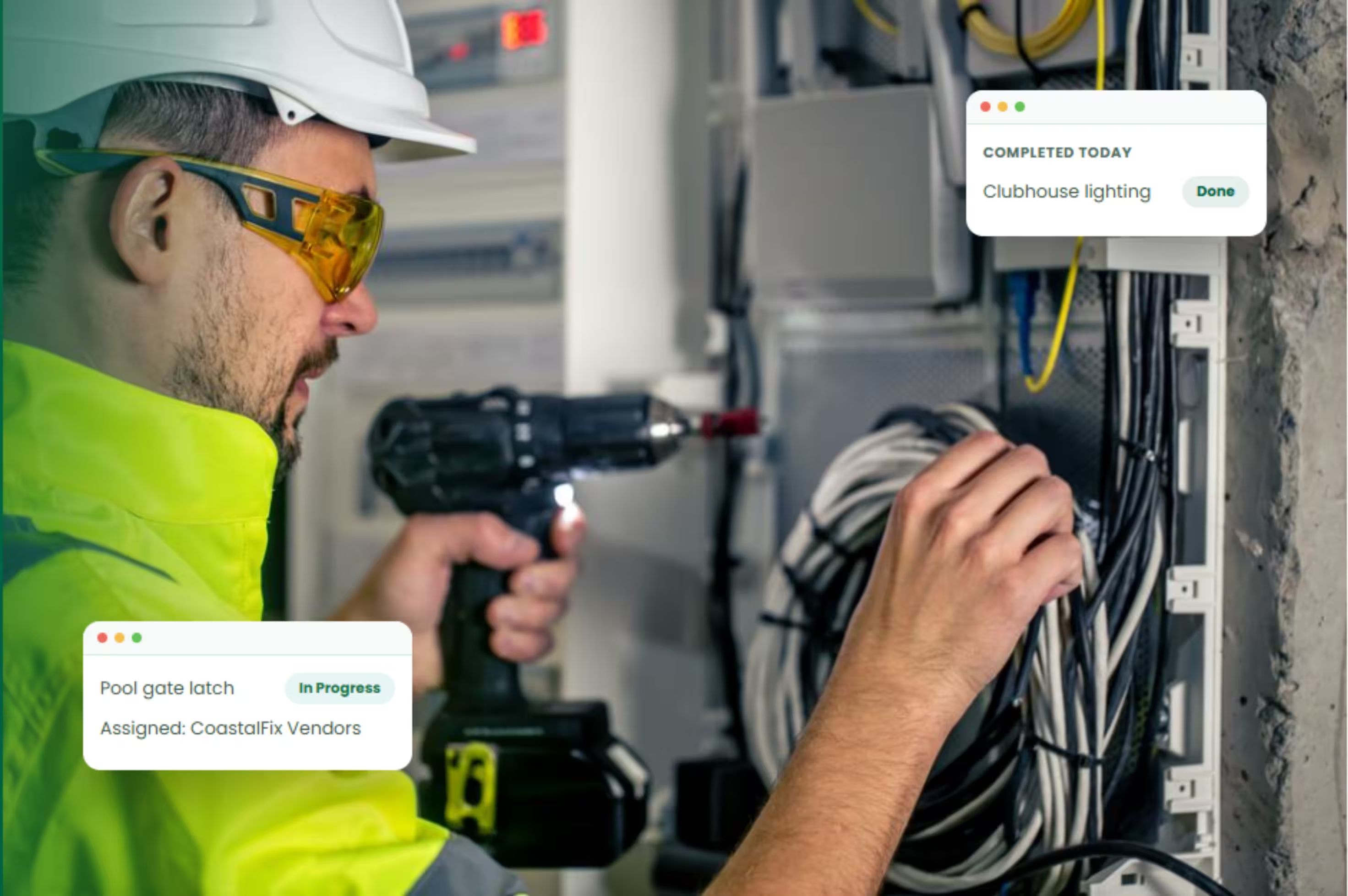
Requests scattered across emails, calls, and sticky notes mean things get missed. Mocha Manage’s HOA work order software logs every request in one place, routes it to the right vendor, and tracks it to completion.
As community association software, Mocha Manage ties every work order back to the budget, so boards see maintenance spend as it happens, not at month-end.
See a live work order walkthrough→0
Requests lost in email or voicemail
3
Statuses: Open, In Progress, Done
100%
Costs coded to the right GL account
Auto
Recurring maintenance scheduling
Features of Maintenance & Work Orders in Mocha Manage
REQUEST LOGGING
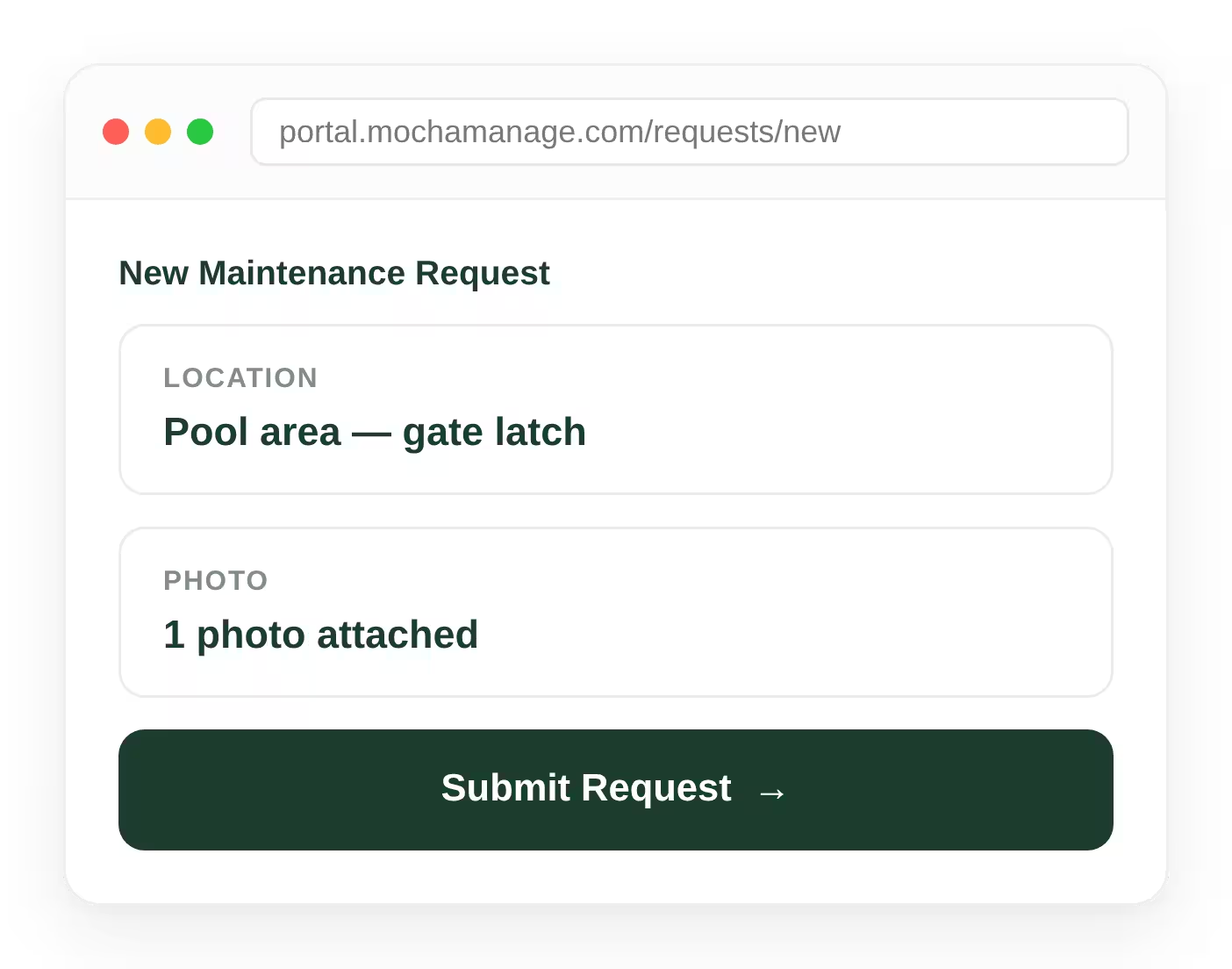
Every Request, Logged in One Place
Owners submit requests with photos — no more lost emails.
- Photo & location on every request
- Submitted from owner portal or staff
- Auto-categorized by area/type
- Full request history
VENDOR ASSIGNMENT
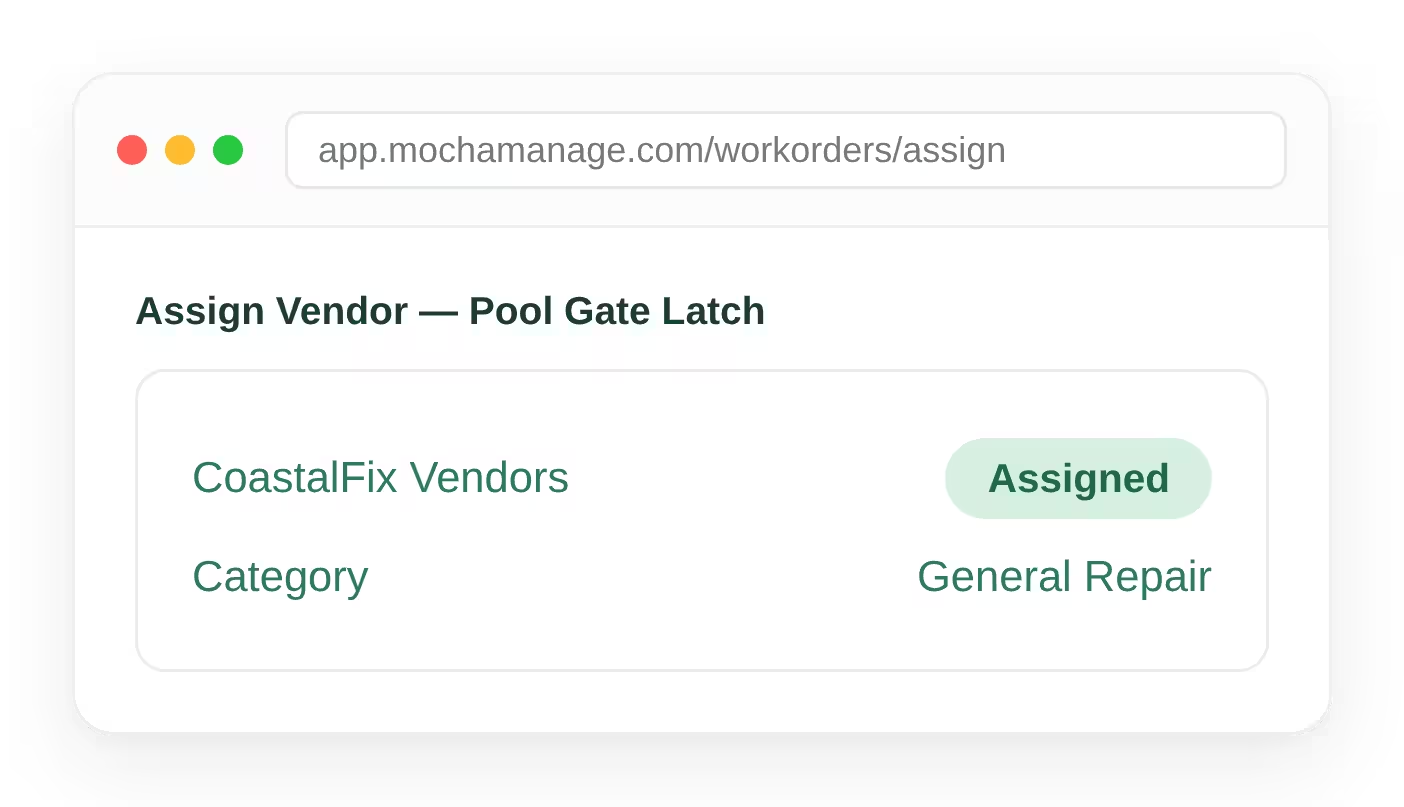
Assign the Right Vendor, Fast
Route requests to the right vendor based on category and property.
- Auto-route by category & property
- Vendor contact & scope attached
- Multiple vendors per request
- Vendor response tracked
STATUS TRACKING
See Every Job's Status at a Glance
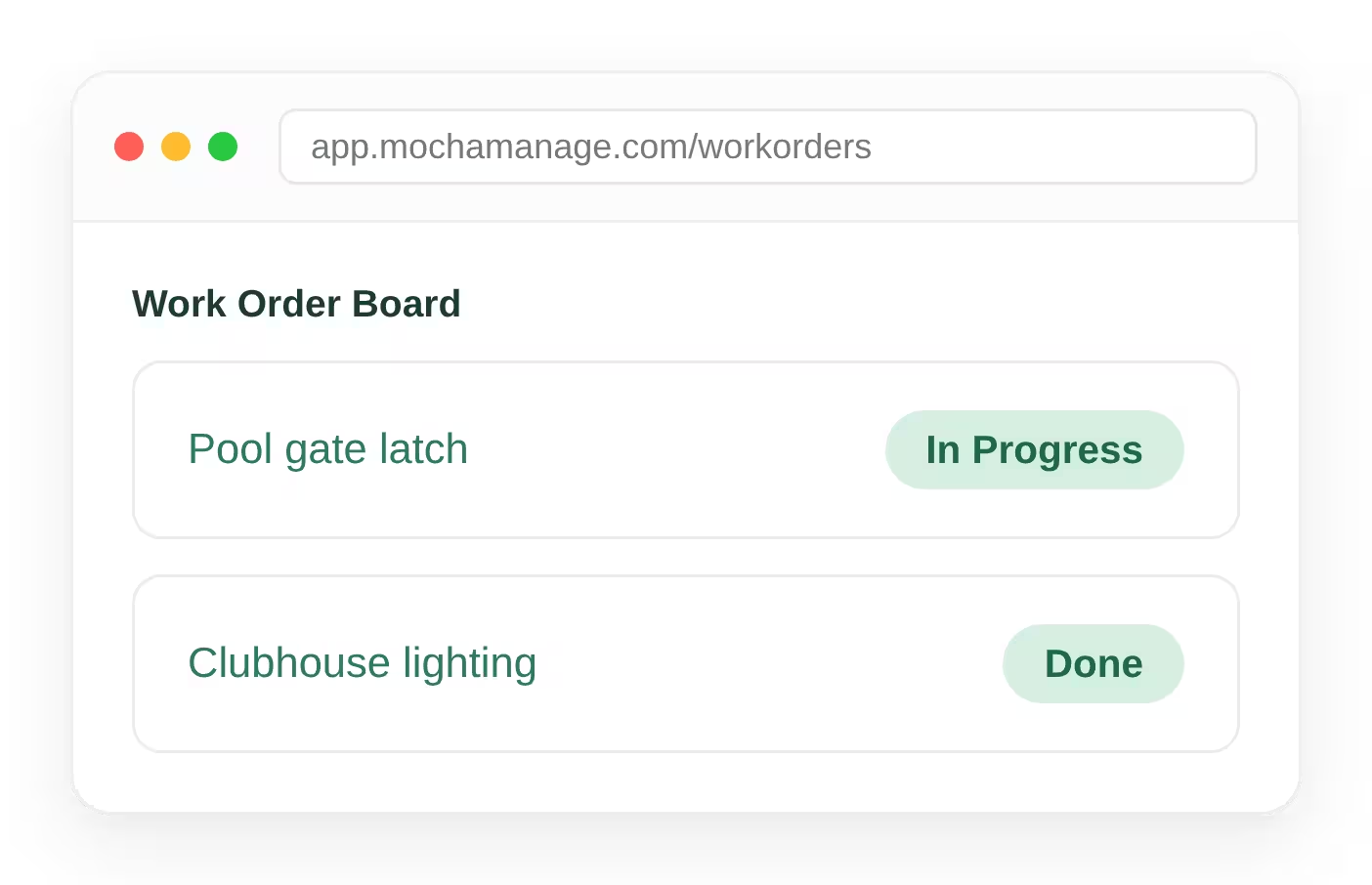
Open, in-progress, or complete — tracked on one board.
- Live status board (Open/In Progress/Done)
- Owner notified on status change
- Overdue job alerts
- Photo proof of completion
COST TRACKING
Every Job Ties Back to the Budget
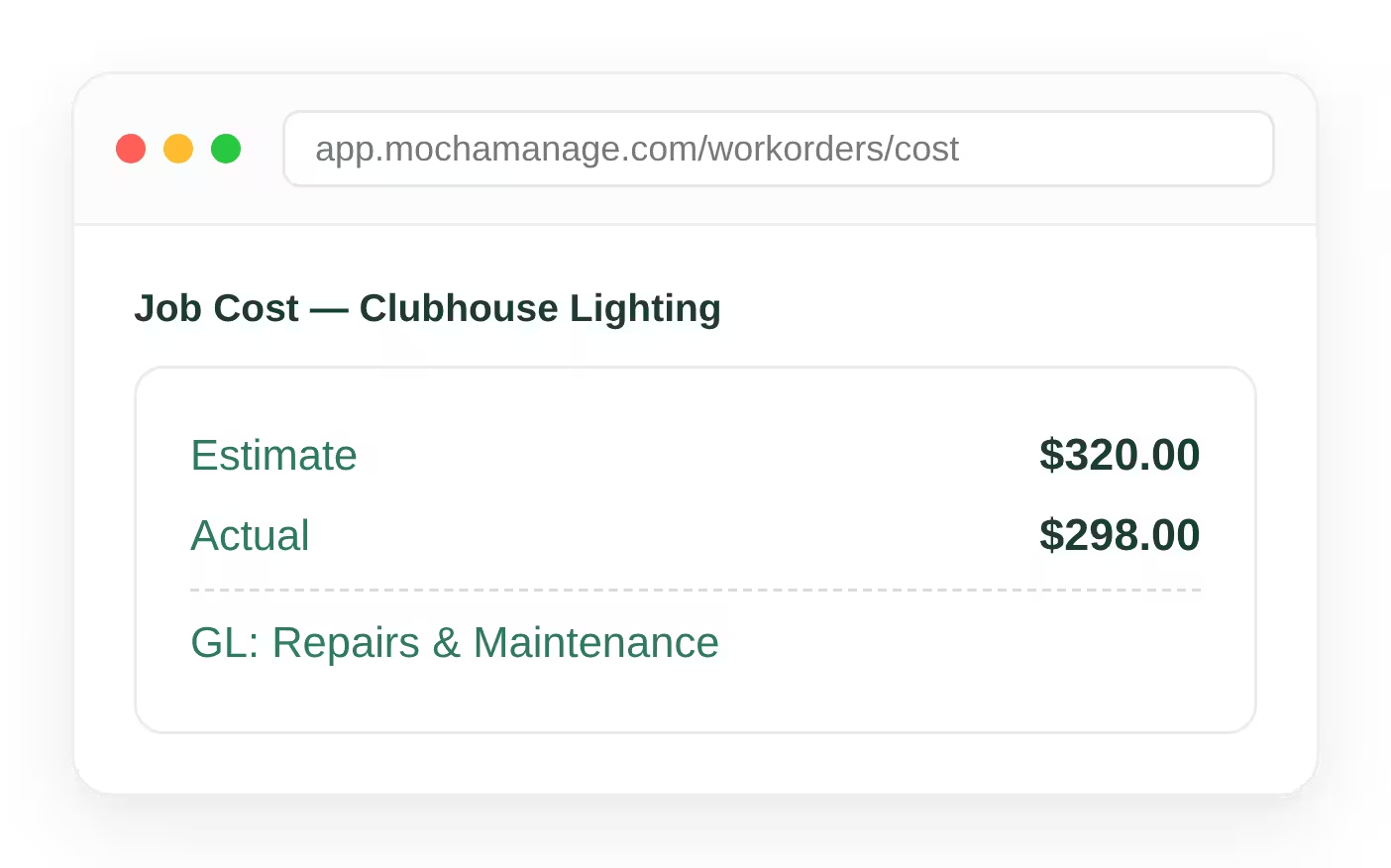
Work order costs post straight to the right GL account.
- Cost estimate & actual per job
- Auto-coded to GL & budget category
- Vendor invoice attached to job
- Spend-by-category reporting
PREVENTIVE MAINTENANCE
Recurring Maintenance, Scheduled Automatically
Set it once — recurring jobs get created on schedule.
- Recurring maintenance schedules
- Auto-created work orders
- Reminders before due dates
- Full maintenance history per asset

Powerful Built-In Integrations
Keep everything in sync, from filings to screenings, and manage everything in one place.

IRS
Simplified 1099 Filing

TransUnion
Smart Tenant Screening

Sure App
Renter's Insurance. Seamlessly Integrated.

CSG Forte
Secure Online Payments

Cashfree Payments
Seamless Online Payments

Mocha Signature
Optimize digital signing anytime.
IRS
Simplified 1099 Filing
TransUnion
Smart Tenant Screening
Sure App
Renter's Insurance. Seamlessly Integrated.
CSG Forte
Secure Online Payments
Cashfree Payments
Seamless Online Payments
Mocha Signature
Optimize digital signing anytime.
How Work Orders Work in Mocha Manage

A Request Comes In
Owners or staff log a request with a photo and location, categorized automatically.

Vendor Assigned & Job Tracked
The right vendor is assigned and the job's status is visible on one board.

Completed, Costed, and Closed
Photo proof confirms completion and the cost posts straight to the budget.
Built for Boards, Treasurers & Management Companies
Mocha Manage's work order system isn't a bolt-on — it's built directly into your HOA or community association's operations and accounting.
Nothing Falls Through the Cracks
Every request is logged and tracked — nothing lost in an inbox.
Faster Turnaround
Auto-routing gets requests to the right vendor without delay.
Budget Visibility
Maintenance spend is visible in real time, not discovered at month-end.
Owner Transparency
Owners see the status of their own request without calling the office.
Our Trusted Partners


Explore Other Features
Frequently Asked Questions
Didn't find your answer?
Book a quick 30-minute call with a product expert and get answers tailored to your needs.
Talk to a Product ExpertOwners submit requests with photos and a description directly from their owner portal, and staff can also log requests on behalf of an owner.
Requests can auto-route to the right vendor based on category and property, with vendor contact details and scope attached to the job.
Yes. Each work order tracks an estimated and actual cost, auto-coded to the right GL account and budget category, with vendor invoices attached.
Yes. You can set recurring maintenance schedules and work orders are created automatically, with reminders before each due date.
Yes. Owners see whether their request is open, in progress, or complete, and are notified automatically on status changes.
Yes. Work orders can be viewed and updated from any mobile device, including photo upload for proof of completion.
Yes. Work order costs roll up into spend-by-category reporting, so boards can see maintenance spend trends over time.
Property management software offers efficiency by automating tasks like rent collection and maintenance requests, improves organization by centralizing lease and resident data, and streamlines operations to enhance experiences for property owners, tenants, and homeowners.
The software is capable of efficiently managing numerous properties, tenants, and leases concurrently. You can view all your property reports, occupancy rate, and other insights in one page. It also offers a separate Resident Centre, and Applicant Centre to manage multiple tenants, and applicants.
Yes, automated rent reminders and late fee calculations are available. This helps you reduce the manual entry, instead you can focus on growing your business.
Setting up company financials in your Mocha Manage account helps you track your company's accounting accurately. Recording expenses for your company is similar to recording a bill or expense check on a managed property, making tracking and management easy.
Invoices and payment receipts can be automatically created and sent to tenants. Charges are customizable by percentage, amount, one-time, recurring, and different frequencies. You can even set-up automatic reminders to nudge your tenants to make payment on time, and stay on top of your finances.
The software employs encryption and secure protocols to safeguard your data. As Mocha Manage is a cloud-based solution utilizing AWS, one of the foremost providers of secure cloud services, you can be assured that your data is secure and inaccessible to any third party without appropriate authentication.
You can establish multiple user roles with specific permissions for landlords, property managers, tenants, and applicants. Additionally, it is possible to include your accountant and property agents, defining their access rights. You retain the ability to revoke access at any time, ensuring complete control over user permissions.
The software maintains detailed logs of all transactions, communications, and system changes for audit purposes.
The software is designed for exceptional scalability, capable of supporting thousands of units, properties, and tenants without sacrificing performance. As your business expands, Mocha Manage accommodates more complex tasks by providing additional features. Our pricing structure is tiered according to features and usage. We offer various plans to suit the diverse requirements of businesses. Detailed pricing information is available on our website.
Mocha Manage offers a free version with no trial period or commitments.
Upon registration, our Onboarding Specialists will guide you through the functionalities of Mocha Manage. After your setup is complete, we remain available to address any questions you may have to ensure seamless operation for your business needs. We are dedicated to supporting your success and growth. Our customer support team is readily accessible for inquiries and product demonstrations. Support channels include email, phone, chat support, and knowledge base articles. For further information, please visit our Contact Us page.


